Challenge Details
Right-Sizing Kubernetes Resources with Goldilocks
By Aleksandro Matejic · June 14, 2026
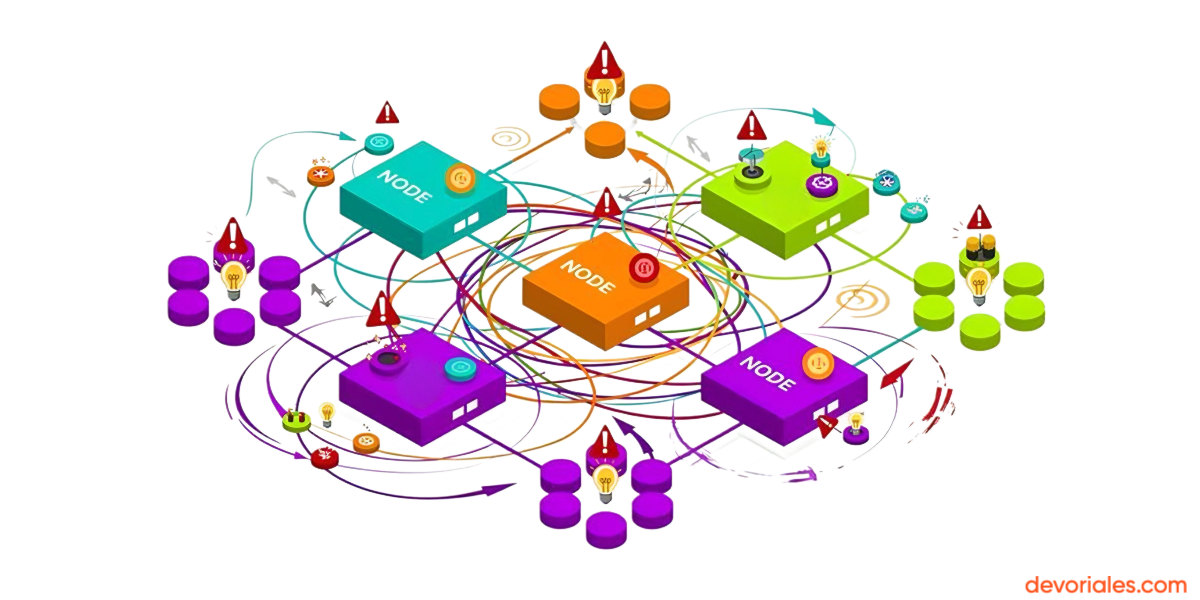
Your cluster is running fine — or so you think. Behind the scenes, some pods are consuming 10× more CPU than they actually need, while others are quietly throttled and slow because theydon't have enough. You're either wasting money or degrading performance, and without the right tools, you can't tell which.
This is the problem Fairwinds Goldilocks was built to solve. It watches your running pods, collects real resource usage data through VPA (Vertical Pod Autoscaler), and gives you actionable recommendations through a clean dashboard — without ever touching your deployments.
In this hands-on course, you'll build a local Kubernetes cluster with k3d, deploy three intentionally mis-configured services, install Goldilocks, and use its recommendations to right-size each deployment. No guessing. No spreadsheets. Just data-driven resource settings.
By the end of this course, you will:
- Set up a local Kubernetes environment with k3d, metrics-server, and VPA
- Understand why CPU requests, memory limits, and QoS classes matter for cluster health and cost
- Know how VPA collects metrics and generates recommendations
- Install Goldilocks using Helm and configure it for your namespaces
- Enable namespace-level monitoring with a single label
- Read and interpret recommendations from the Goldilocks dashboard
- Apply Guaranteed and Burstable QoS configurations to real deployments
- Tune Goldilocks behavior with advanced configuration options
- Adopt Goldilocks safely in production environments
Who is this for? Kubernetes administrators and platform engineers who deal with OOMKilled pods, unexplained resource waste, or the question "what should I set for requests and limits?" — and want a repeatable, automated answer.
⏱️ Estimated time to complete: 3–4 hours across 9 self-paced lessons + 3 Killercoda browser labs.
💡 This is an interactive, text-based course. We build our material this way because reading and doing is simply the most effective way to master engineering tools.
Video tutorials make it easy to drift off, lose focus, or fall into passive watching. In contrast, a text-first approach keeps you active: you control the pace, scan code without scrubbing timelines, build precise mental models, and immediately apply commands in hands-on environments
Lessons: 13
Time Limit: No time limit
Ready to start this course?
Create a free account to track your progress and earn points.